Email Signature Generator
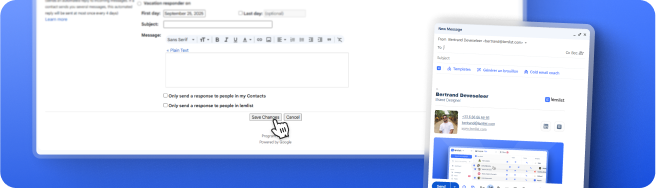
Copy for Gmail
Open Gmail
Tutorial
Add your signature in Gmail
×
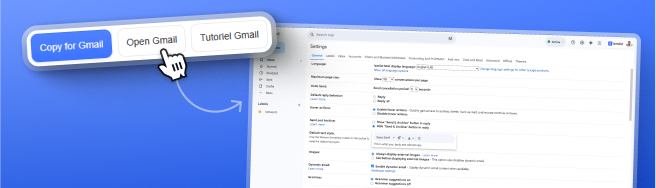
Click
“Open Gmail”
— you’ll land directly on
Settings > General
.
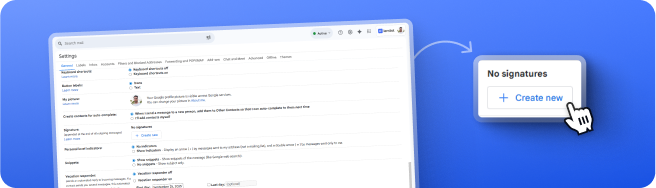
In
Signature
, click
“Create new”
.
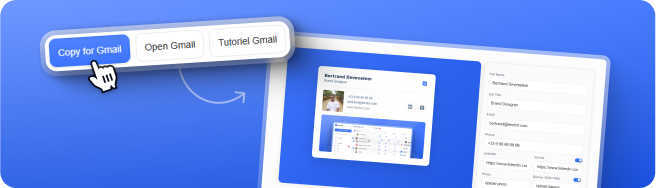
Come back here, click
“Copy for Gmail”
, puis collez.
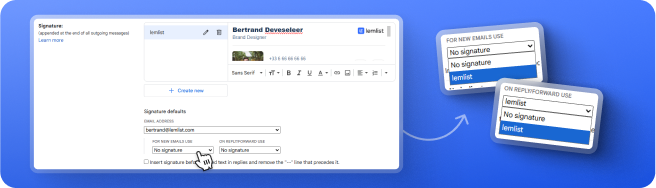
Under
Signature defaults
, choose it for new emails/replies.
Save changes and test.
Image specs to respect
Avatar
: square, recommended
89×89
to
600×600
px.
Banner
: recommended
500×100
px.
Formats
:
PNG
,
JPG
,
WebP
.
Max size
: up to
8 MB
.
Adjust image
×
Zoom
Reset
Confirm